Gallery
Before and after: pictures we gave the converter, and what it made of them. Each result lists the settings used, so you can see what to expect from a picture like yours.
What you’re looking at. Each “After” is a stitch preview: a drawing of the stitches in the file, in their thread colors, made by this site’s own converter from the picture beside it. It isn’t a photo of sewn embroidery, which looks a little different. The stitch counts are the ones in the file, and the sewing time is an estimate.
We’ve sewn our PES files on a real Brother machine. The other formats follow their published specifications but haven’t been tried on every machine, so sew a test first. A photo of a design actually sewn appears here only when we have one, and it’s marked Sewn.
A dog portrait, from clip art with thin outlines
The kind of picture people ask for on shirts and towels. The dark outline stays continuous and as bold as in the picture, the fur is filled, and the thread colors follow the artwork. The source is a small picture, so fine details such as the shine on the nose are simplified away; a larger source keeps more.
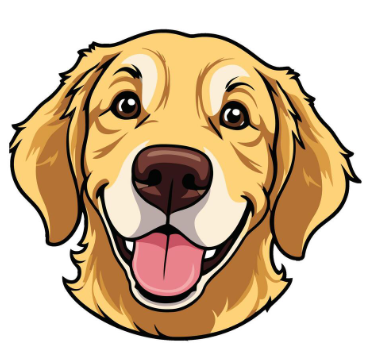
The picture the converter was given
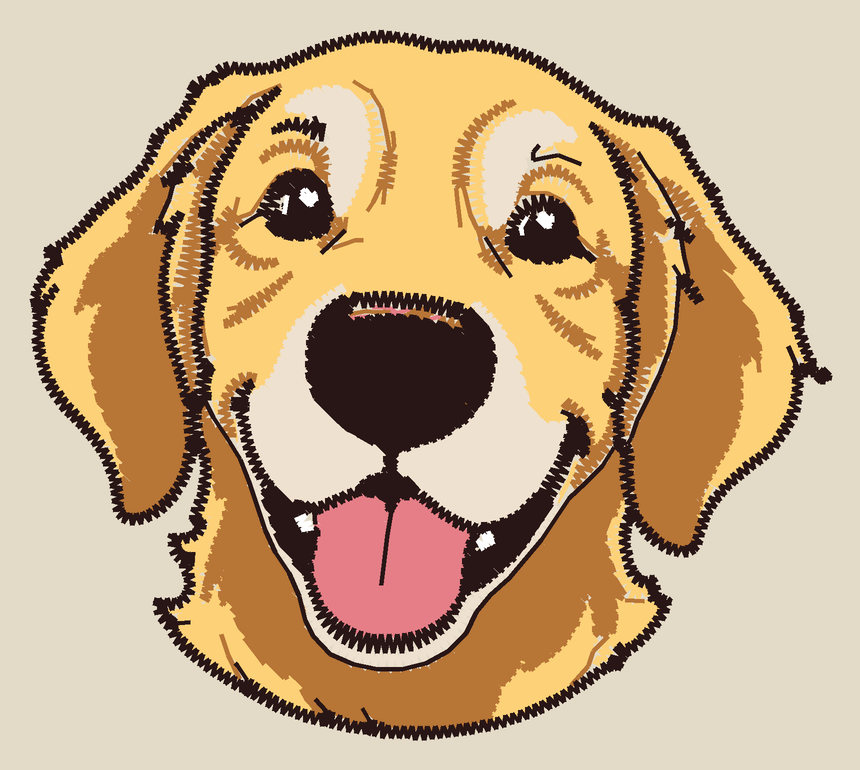
The stitch preview
9,297 stitches · 6 thread colors · 80 mm (3.1 in) × 71 mm (2.8 in) · about 15 minutes
Settings: Image type: Logo or clip art · Design width 80 mm (3.1 in) · Hoop 100 × 100 mm · Colors, at most 6. Clip art supplied by the site owner.
A real photo, redrawn as clip art by AI first
A phone photo of a golden retriever in a kitchen. With the cabinets, the dishwasher, the rug and the floor around him, a photo like this stitches as clutter, so it went through Convert to Clip Art (AI): OpenAI's image model redrew the dog as flat-color clip art on white, and the converter stitched that. The middle picture is the answer OpenAI gave for this photo, saved once so this page doesn't ask OpenAI again every time it opens; the stitch preview is made from it by the converter. At the usual six thread colors the cream muzzle was merged with the bandana's green and came out green; raising Colors, at most to eight keeps them apart.
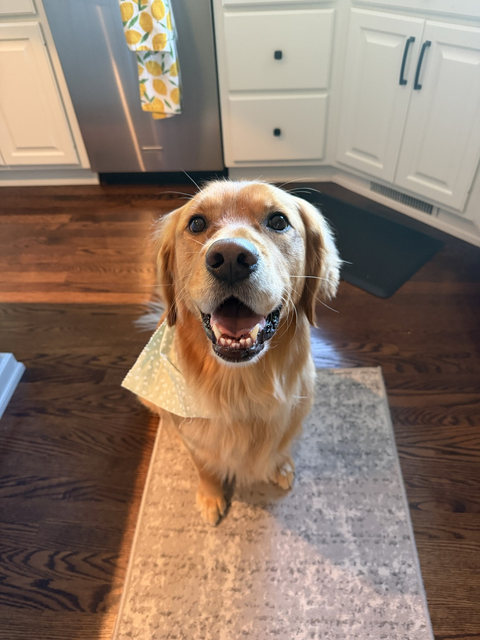
The photo
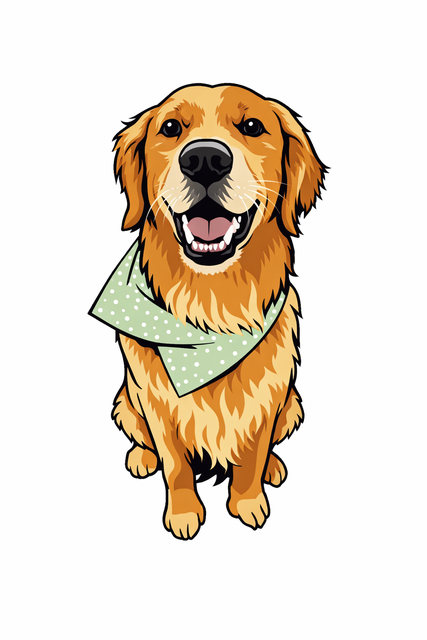
The clip art OpenAI drew from the photo and the converter was given
gpt-image-1.5, made 2026-10-25
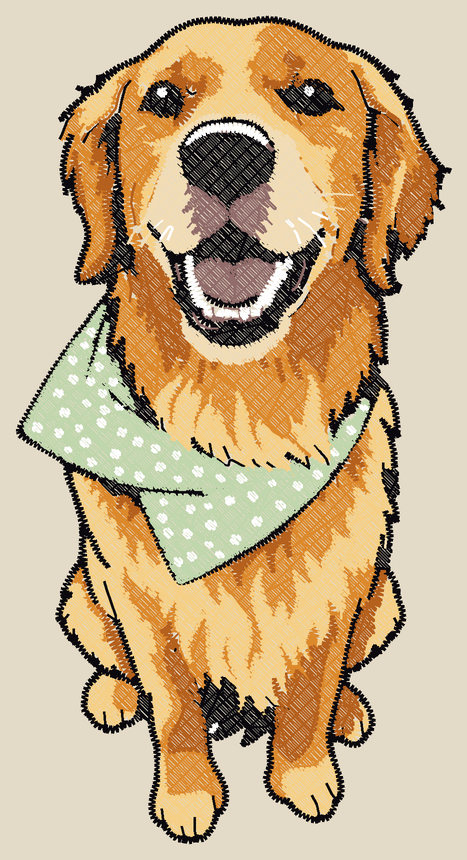
The stitch preview
22,349 stitches · 8 thread colors · 80 mm (3.1 in) × 152.3 mm (6.0 in) · about 32 minutes
Settings: Image type: Logo or clip art · Design width 80 mm (3.1 in) · Hoop 130 × 180 mm · Colors, at most 8. Photo supplied by the site owner; the clip art was drawn by OpenAI's image model.
Badge logo
Flat colors and crisp edges: the kind of artwork that converts best. The blue, the letters and the star are filled, and the thin outline is satin stitch.
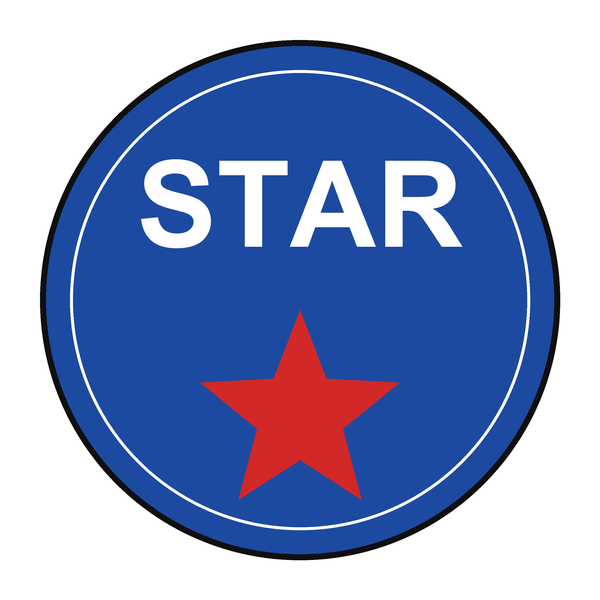
The picture the converter was given
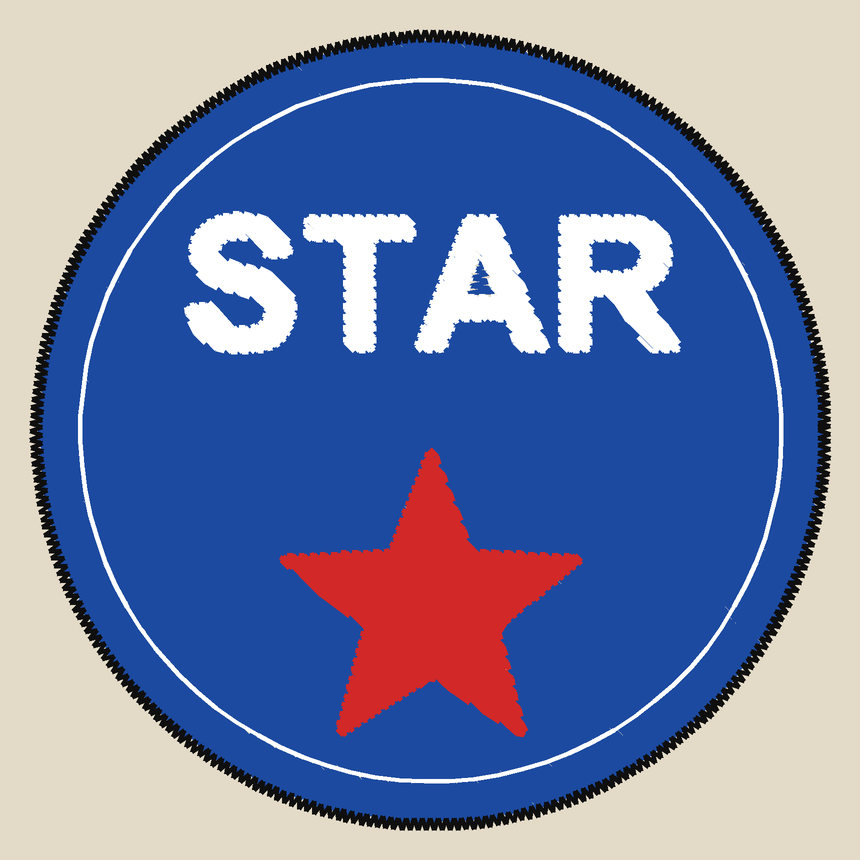
The stitch preview
7,574 stitches · 4 thread colors · 80 mm (3.1 in) × 80 mm (3.1 in) · about 13 minutes
Settings: Image type: Logo or clip art · Design width 80 mm (3.1 in) · Hoop 100 × 100 mm · Colors, at most 6. Sample artwork made for this site.
Lettering, with and without the Lettering setting
The same word, converted twice. With the Logo setting the middle of an “o” or a “p” can come out stitched in white thread (the color of the paper), which you would switch off. The Lettering setting leaves the insides of letters open.
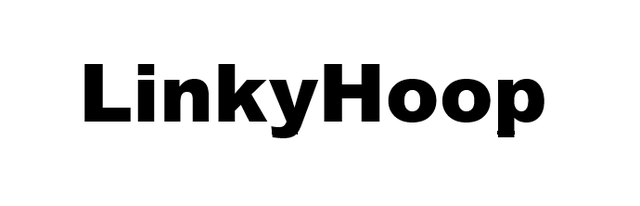
The picture the converter was given
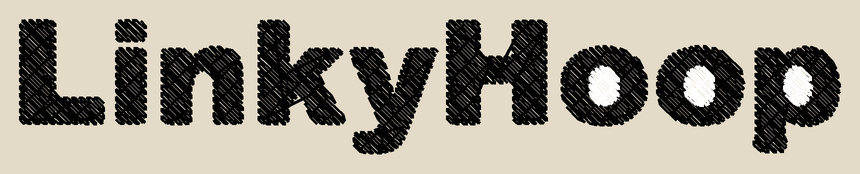
The stitch preview
2,038 stitches · 2 thread colors · 120 mm (4.7 in) × 19.5 mm (0.8 in) · about 3 minutes
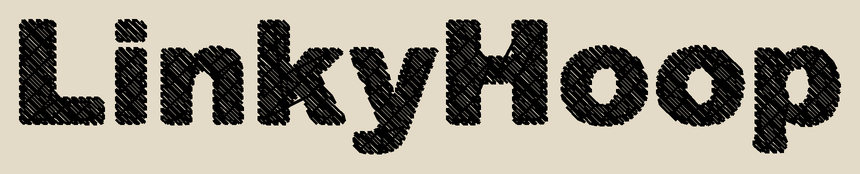
The stitch preview
1,890 stitches · 1 thread color · 120 mm (4.7 in) × 19.5 mm (0.8 in) · about 3 minutes
Settings: Image types: Logo or clip art, Lettering · Design width 120 mm (4.7 in) · Hoop 130 × 180 mm · Colors, at most 6. Text supplied by the site owner.
Line drawing
Dark lines on paper: each line is sewn along its centre and the paper color is left out.
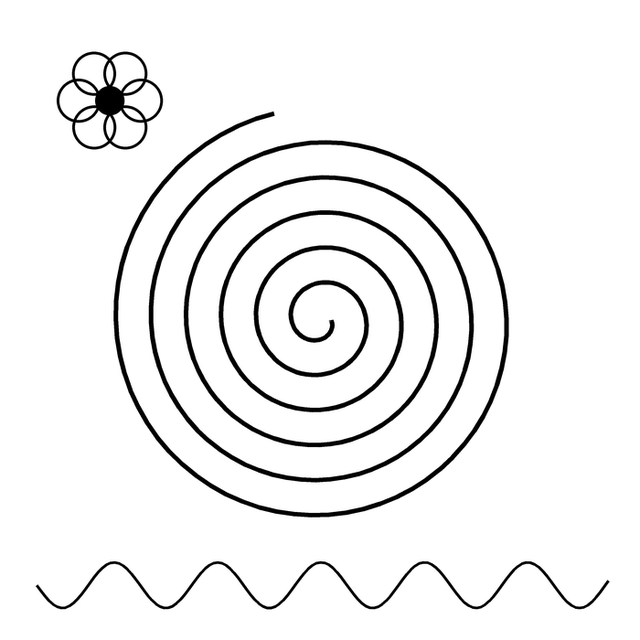
The picture the converter was given
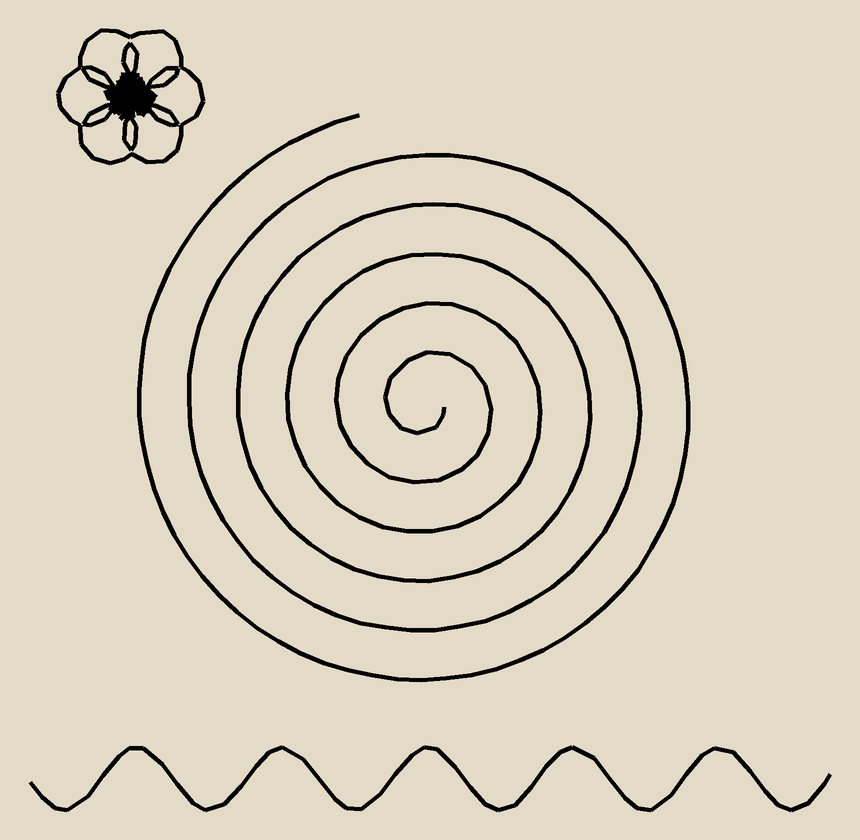
The stitch preview
479 stitches · 1 thread color · 80 mm (3.1 in) × 78 mm (3.1 in) · under 1 minute
Settings: Image type: Line drawing · Design width 80 mm (3.1 in) · Hoop 100 × 100 mm · Colors, at most 2. Sample artwork made for this site.
A simple photo
A photo reduced to a few thread colors, with the background left out. It suits a clear subject and strong contrast; photos with lots of fine detail lose it.
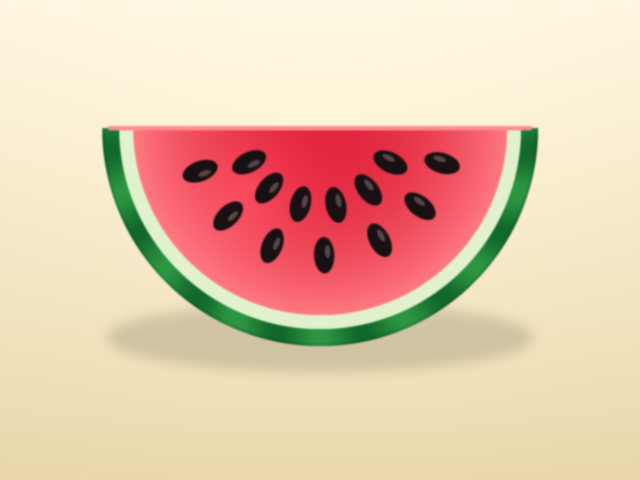
The picture the converter was given
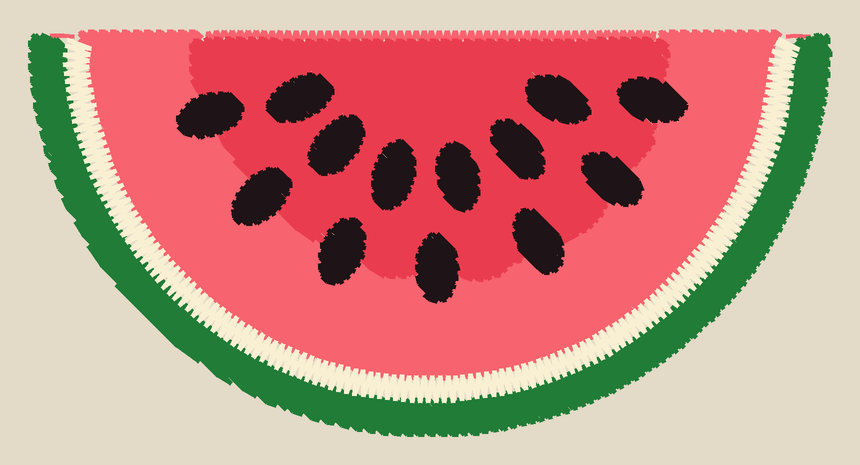
The stitch preview
4,318 stitches · 5 thread colors · 80 mm (3.1 in) × 40.5 mm (1.6 in) · about 8 minutes
Settings: Image type: Simple photo · Design width 80 mm (3.1 in) · Hoop 100 × 100 mm · Colors, at most 8. Sample artwork made for this site.
A vector file (SVG)
A vector file has exact edges and flat colors, so it converts more cleanly than a picture of the same art and can be made any size.
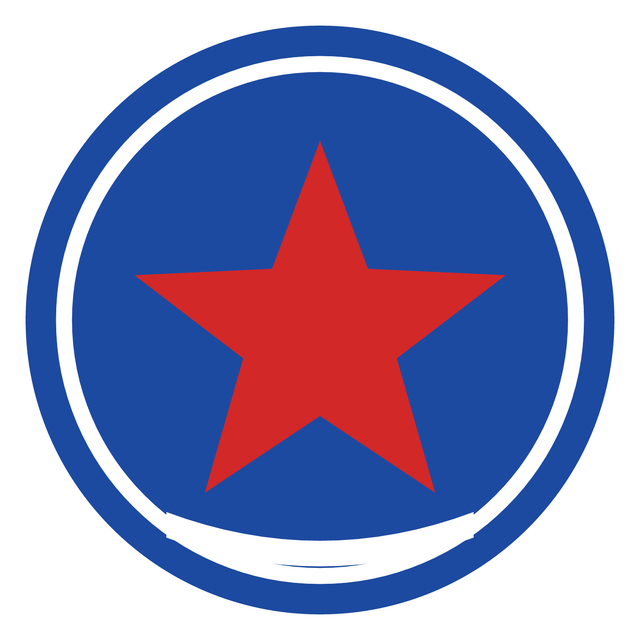
The picture the converter was given
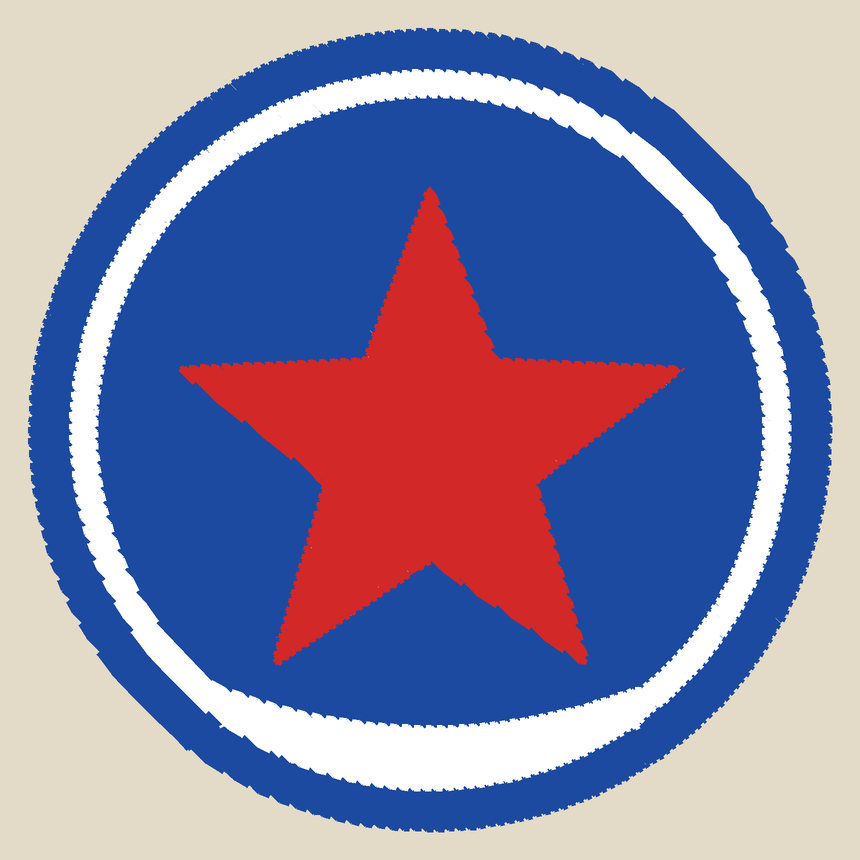
The stitch preview
7,362 stitches · 3 thread colors · 80 mm (3.1 in) × 80 mm (3.1 in) · about 12 minutes
Settings: Image type: Logo or clip art · Design width 80 mm (3.1 in) · Hoop 100 × 100 mm · Colors, at most 6. Sample artwork made for this site.
A real logo: a monogram and a wordmark
The LinkyHoop logo, a hoop with a monogram, a puppy and a wordmark, made 160 mm wide for an 8 × 8 hoop. A logo with this much fine detail needs the room: at 90 mm the puppy's face and the thin line under the wordmark are too small to stitch. With the Logo setting the inside of the hoop fills with white thread; the Lettering setting leaves it open, so there's less thread and no white patch to switch off.
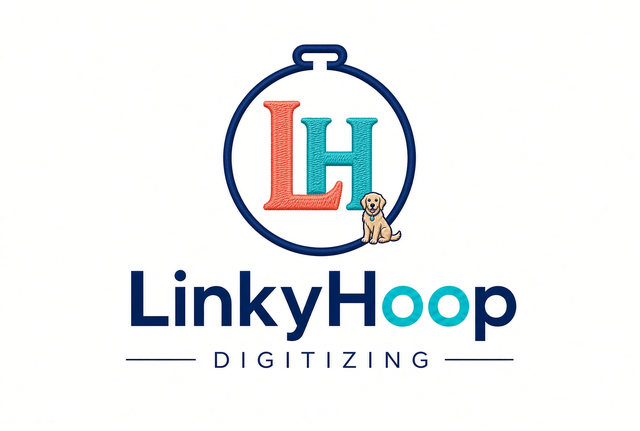
The picture the converter was given
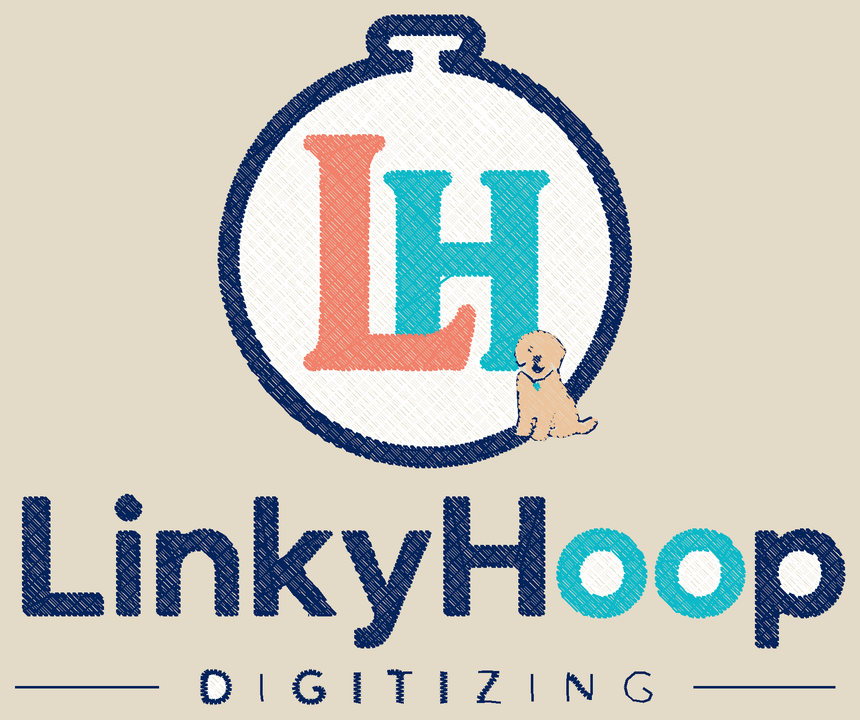
The stitch preview
11,871 stitches · 5 thread colors · 160 mm (6.3 in) × 132.9 mm (5.2 in) · about 19 minutes
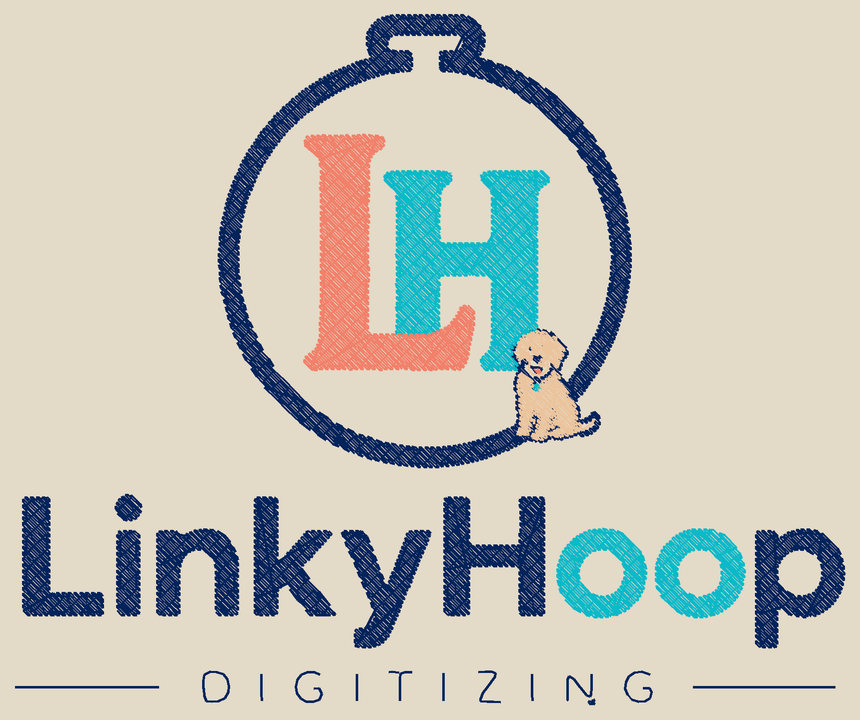
The stitch preview
7,726 stitches · 4 thread colors · 160 mm (6.3 in) × 132.9 mm (5.2 in) · about 12 minutes
Settings: Image types: Logo or clip art, Lettering · Design width 160 mm (6.3 in) · Hoop 200 × 200 mm · Colors, at most 6. The LinkyHoop logo.
A design bigger than the hoop
The badge made 120 mm wide for a 4 × 4 hoop (100 × 100 mm). The site splits it into four hoopings, one file each, overlapping so the pieces meet, and the dashed boxes show where each hoop sews.
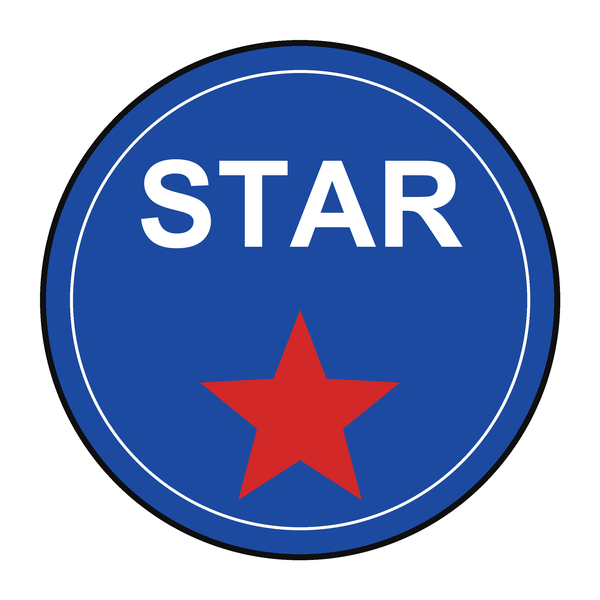
The picture the converter was given
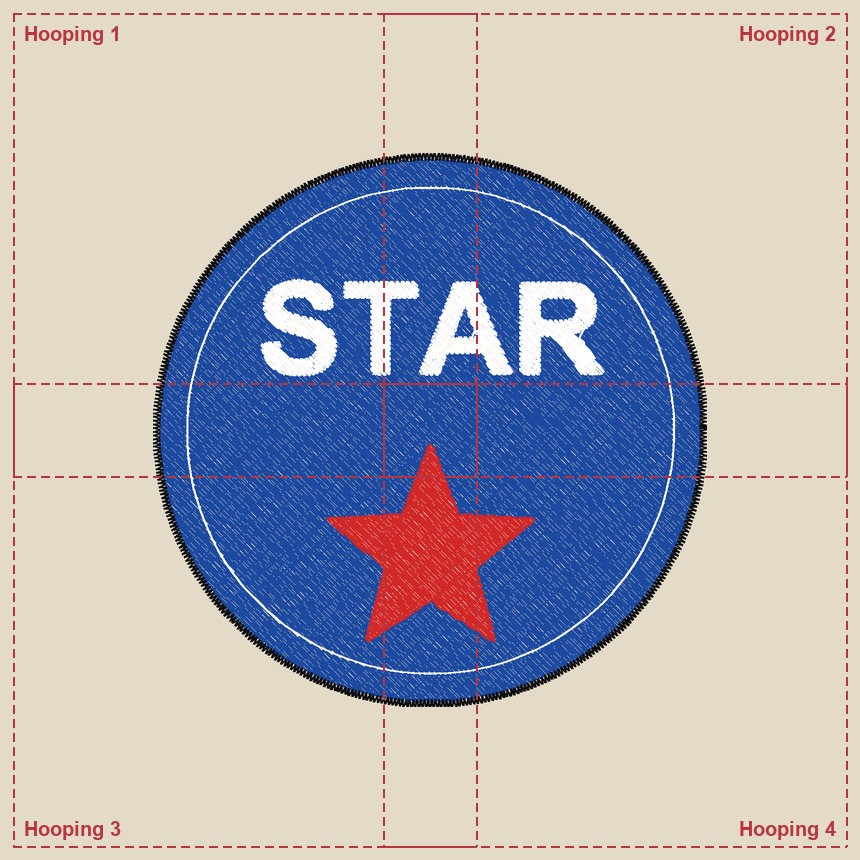
The stitch preview
sewn in 4 hoopings · 16,641 stitches · 4 thread colors · 120 mm (4.7 in) × 120 mm (4.7 in) · about 30 minutes
Settings: Image type: Logo or clip art · Design width 120 mm (4.7 in) · Hoop 100 × 100 mm, 4 hoopings · Colors, at most 6. Sample artwork made for this site.
The same design on different fabrics
Choosing a Fabric in the design page changes how the design is stitched. Here is the badge above, 80 mm wide, stitched for each fabric. The looser fabrics use fewer stitches; the ones that need a firmer base use more. These are starting points, so sew a test on your own fabric (see the tips).
| Fabric | Stitches | Sewing time | Compared with standard woven |
|---|---|---|---|
| Standard woven | 7,574 | about 13 minutes | the default |
| T-shirts, polos & knits | 7,665 | about 13 minutes | +1% |
| Fleece & hoodies | 7,171 | about 12 minutes | -5% |
| Towels & terry | 7,750 | about 13 minutes | +2% |
| Caps & twill hats | 8,269 | about 14 minutes | +9% |
| Nylon & windbreakers | 5,637 | about 10 minutes | -26% |
| Leather & vinyl | 4,129 | about 7 minutes | -45% |