Picture stitch file
Turn any picture into a stitch file.
Upload a logo, clip art, line drawing or simple photo. Preview every stitch, then download a file your embroidery machine can read.
PES · DST · EXP · JEF · XXX · VP3No account needed · up to 12 MB
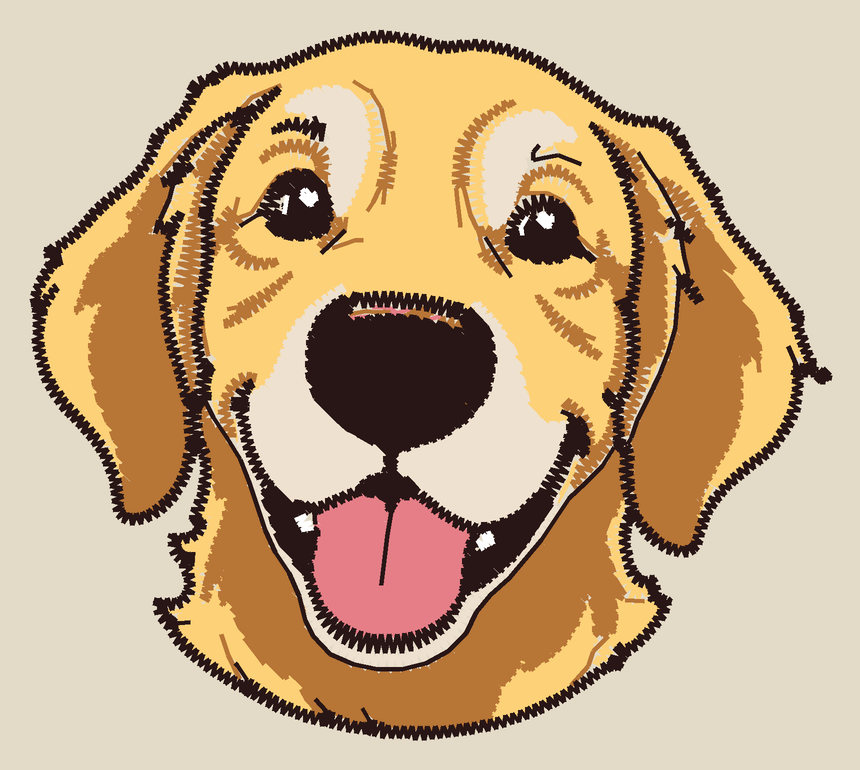
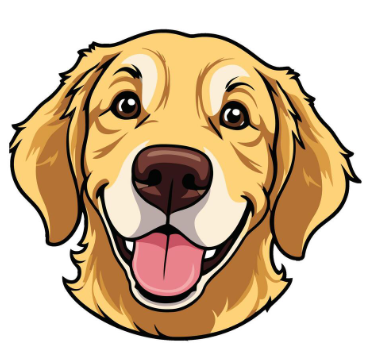
- 9,297 stitches
- 6 colors
- 80 × 71 mm
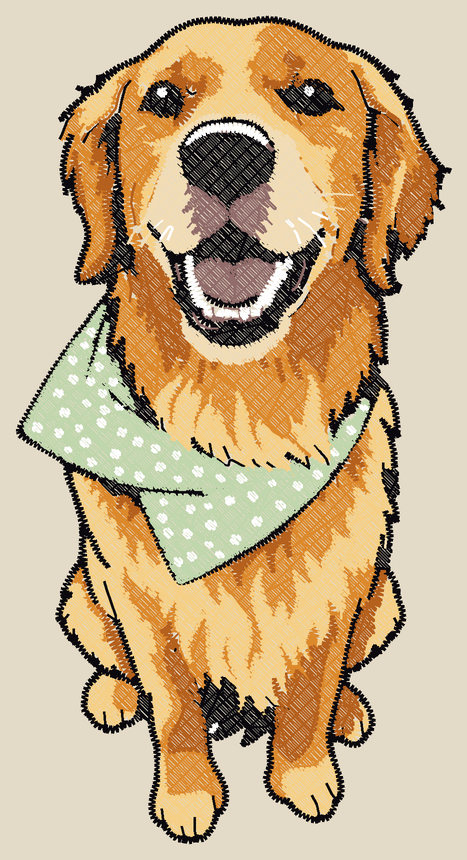
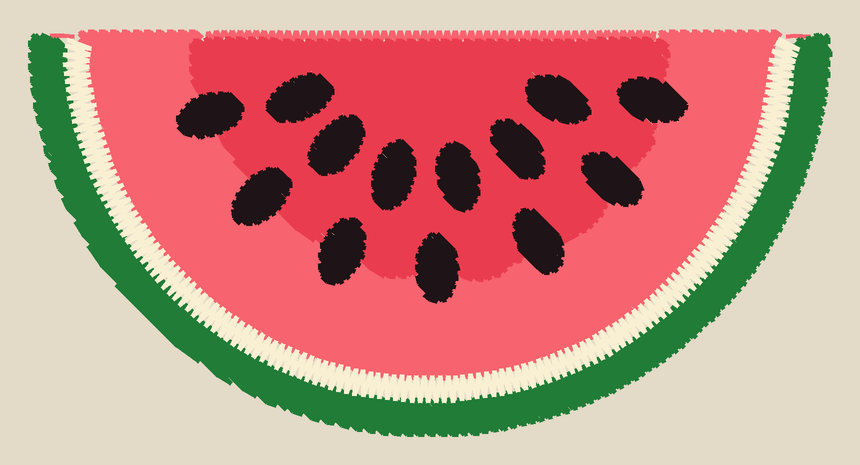
The right side is the converter’s drawing of the stitches, not a photo of a sewn design.
- 6file formats: PES · DST · EXP · JEF · XXX · VP3
- 70+machine models from 8 brands, each with its own file format and embroidery area
- 7fabric presets that set stitch density and underlay
- 10hoop layouts, including multi-position hoops, plus custom sizes
How it works
From a picture to a sewn design in three steps.
-
Add your picture
Drop in a logo, clip art, line drawing or simple photo. PNG, JPG, GIF, BMP, WebP and SVG all work.
-
Set it up for your machine
Pick your machine's brand and model and the file format and embroidery area are chosen for you. Then choose the fabric, the size for its spot on a garment, and how many thread colors. New to this? A short guide asks a few questions and fills it in.
-
Preview, then download
Watch the design stitch out, check the thread list, and download the stitch file along with a one-page production sheet for whoever sews it.
Real results
What the converter makes.
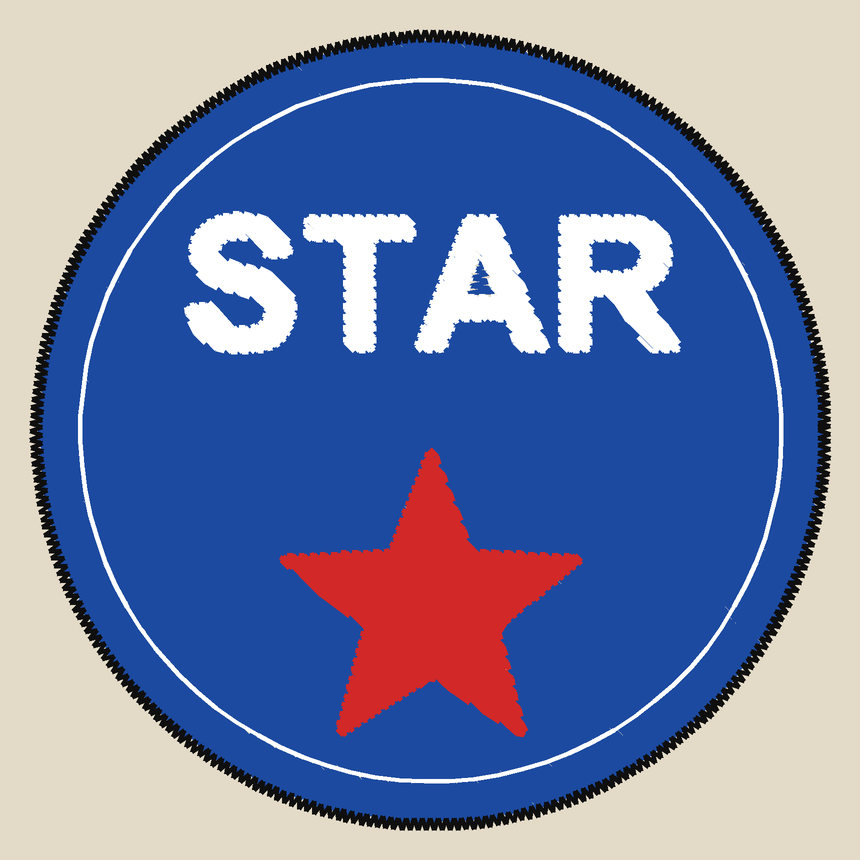
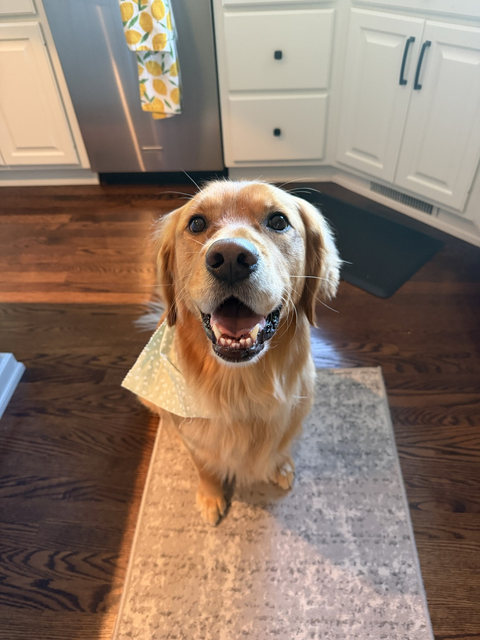
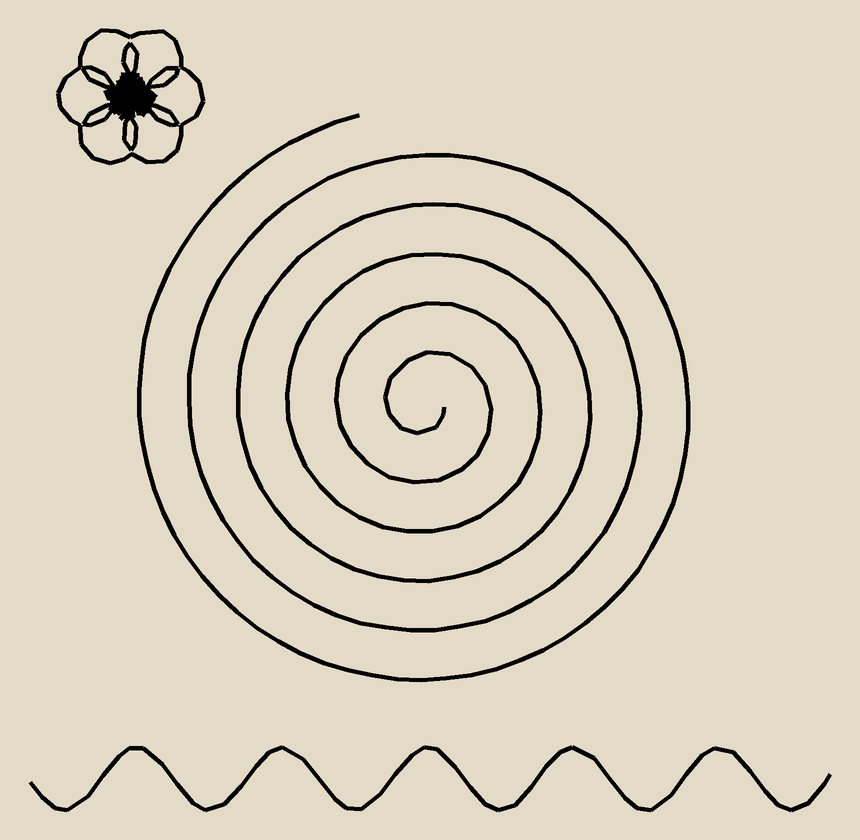
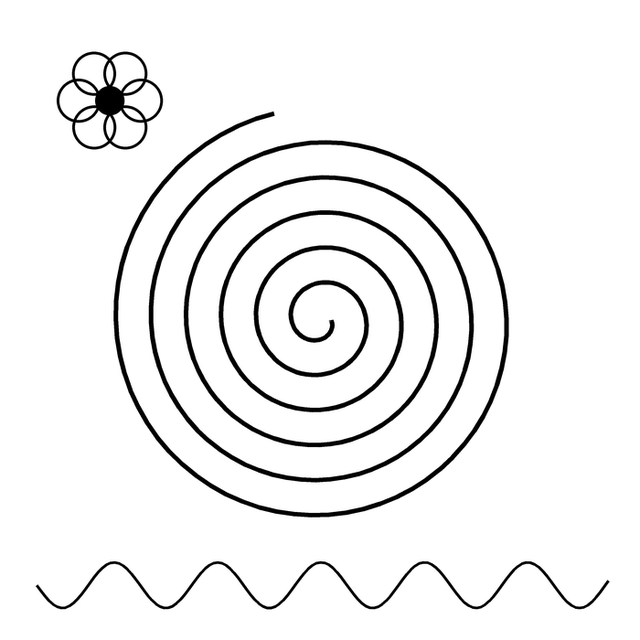
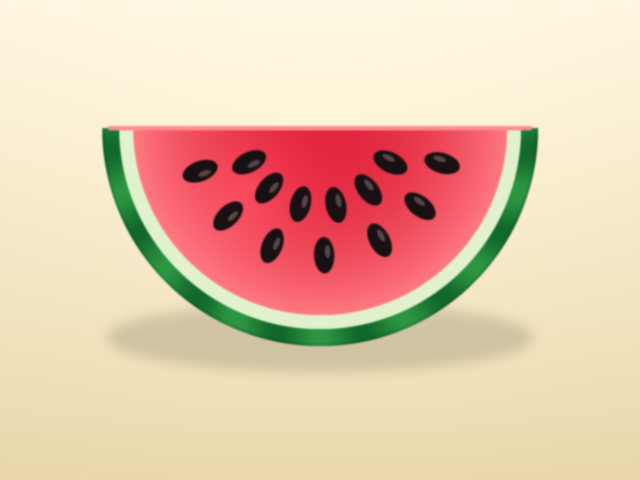
Each picture below was run through the studio. Every stitch preview is the converter's drawing of the stitches, not a photo of a sewn design.

What's in the studio
Everything between the picture and the needle.
-
Machines
Made for the machine you own
Choose a brand and model and the studio sets the file format and the largest area it can sew. Change the hoop yourself any time; it asks before going past what your machine can do.
-
Hoops
Small hoops and big designs
Seven standard hoop sizes, custom sizes, and multi-position hoops. A design larger than your hoop is split into hoopings with alignment marks for re-hooping.
-
Fabric
Stitched for what you're sewing on
Presets for woven cotton, knits, fleece, towels, caps, nylon and leather change fill spacing, underlay and pull compensation. Sizes for common garment spots are one pick away.
-
Thread
Colors you can actually buy
Match each color to Brother, Janome or Husqvarna thread charts, recolor any spool, and switch a color off, or just one piece of it, before you download.
-
Preview
See it before you sew it
Play the design back stitch by stitch, zoom in, and change the fabric color to see how your thread colors will look against it.
-
Production
A sheet for whoever sews it
A one-page PDF with the picture, size, stitch count and every thread with its closest match, so the person at the machine has what they need.
Six file formats, one for each kind of machine
If your machine isn't named here, check its manual for which stitch file it reads; most home machines take one of these.
- Brother
- Baby Lock
- Janome
- Elna
- Bernina
- Singer
- Pfaff
- Husqvarna Viking
| Format | Machines |
|---|---|
| PES | Brother, Baby Lock |
| DST | Tajima, most commercial machines |
| EXP | Melco, older Bernina |
| JEF | Janome, Elna |
| XXX | Singer |
| VP3 | Pfaff, Husqvarna Viking |
Put your design in thread.
Open the studio, add a picture, and watch it turn into stitches.